Bottom search bar
Pixel-style search placement on the home screen and app drawer.
Rootless Pixel Launcher APK is an Android home-screen launcher that brings a clean, Pixel-style interface to compatible devices without requiring root access.
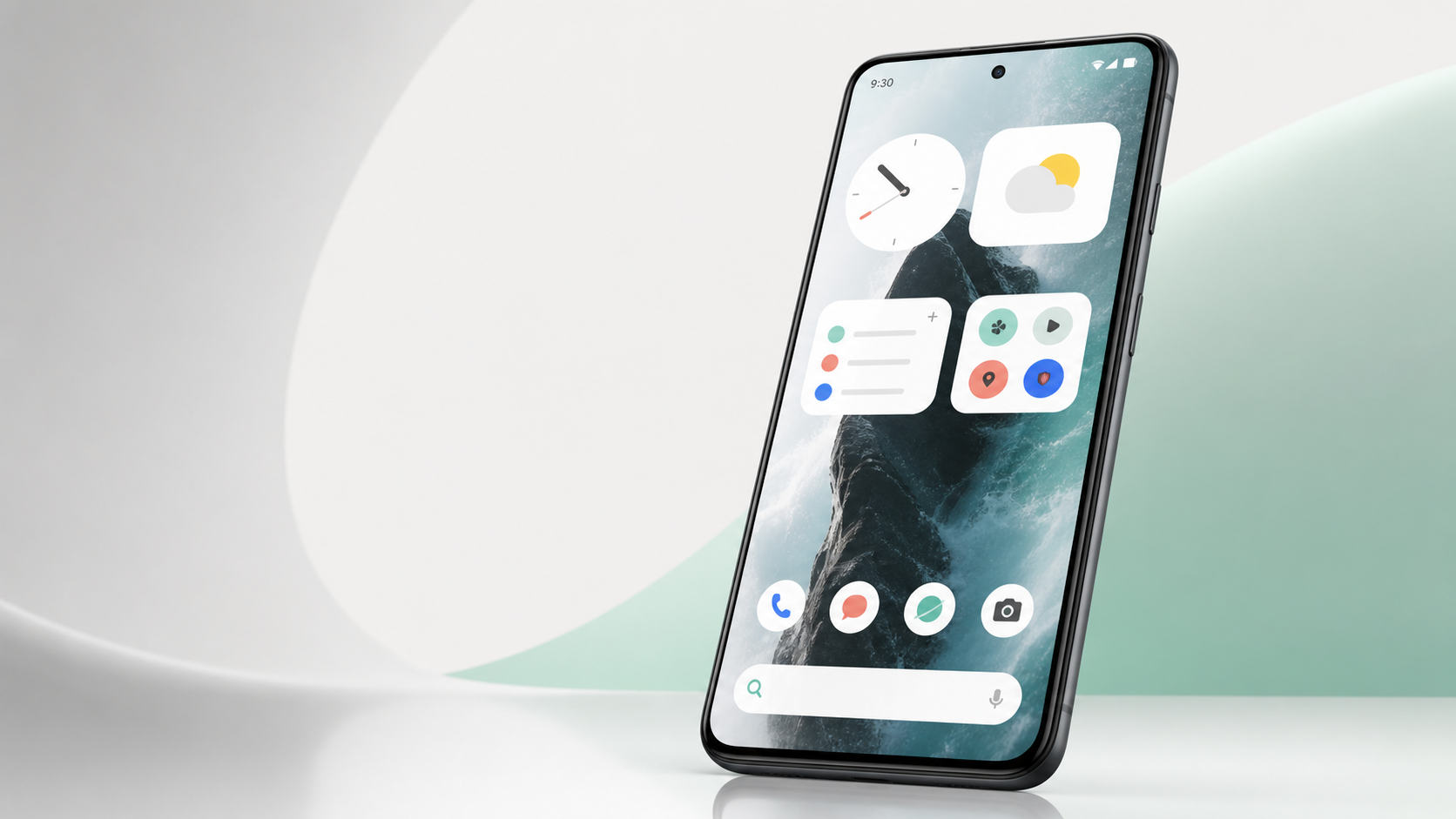
What it is
Rootless Pixel Launcher APK is a lightweight Android home-screen launcher designed to provide a clean, simple, and Pixel-style user experience on compatible smartphones and tablets. It allows users to enjoy an interface inspired by Google Pixel devices without rooting or making complex system changes.
The launcher includes useful features such as adaptive icons, notification dots, app shortcuts, a searchable app drawer, customizable icon shapes, and a convenient Google search bar. Users can organize applications, adjust the home-screen layout, change wallpapers, and access frequently used apps more easily. Its minimal design helps reduce visual clutter while keeping essential functions easy to reach.
One of the main advantages of Rootless Pixel Launcher is that it works without root permissions. This makes installation safer and more accessible for regular Android users. It is also relatively small and lightweight, which may help it run smoothly on older or lower-powered devices.
Highlights
Pixel-style search placement on the home screen and app drawer.
Light or dark theme behavior based on the wallpaper in use.
Regular icon packs, adaptive icon packs, and icon shape options.
Built for broad Android compatibility, including older phones.
Before you install
The GitHub release provides two APK variants: AOSP for the normal build and L3GO for Android Go devices. If you already use an older build, check the release notes before updating.
FAQ
No. Rootless Pixel Launcher is designed to install and run without root access on compatible Android devices.
Most users should choose the normal AOSP APK. Use the L3GO build only for Android Go devices.
Rootless Pixel Launcher 3.9.1 requires Android 5.0 or newer.
Direct APK installs may not show update notifications. Use F-Droid when you want repository-managed updates.
Yes. Rootless Pixel Launcher is available as a free Android launcher APK.
The package name is amirz.rootless.nexuslauncher.
You can try updating normally. If installation fails, uninstall the old build first, then install the current APK.
Use the upstream GitHub release page to review the tag, release notes, and APK assets from the project repository.